Your playlists
Add M3U and M3U8 playlists by link or file, import many at once, and keep them fresh with automatic refresh.
TunerX plays the M3U playlists and program guides you already have — with instant channel switching, time-shift and subtitles. No account, no tracking, no bundled content.
TunerX is available for Windows right now. Android and Android TV are in development.
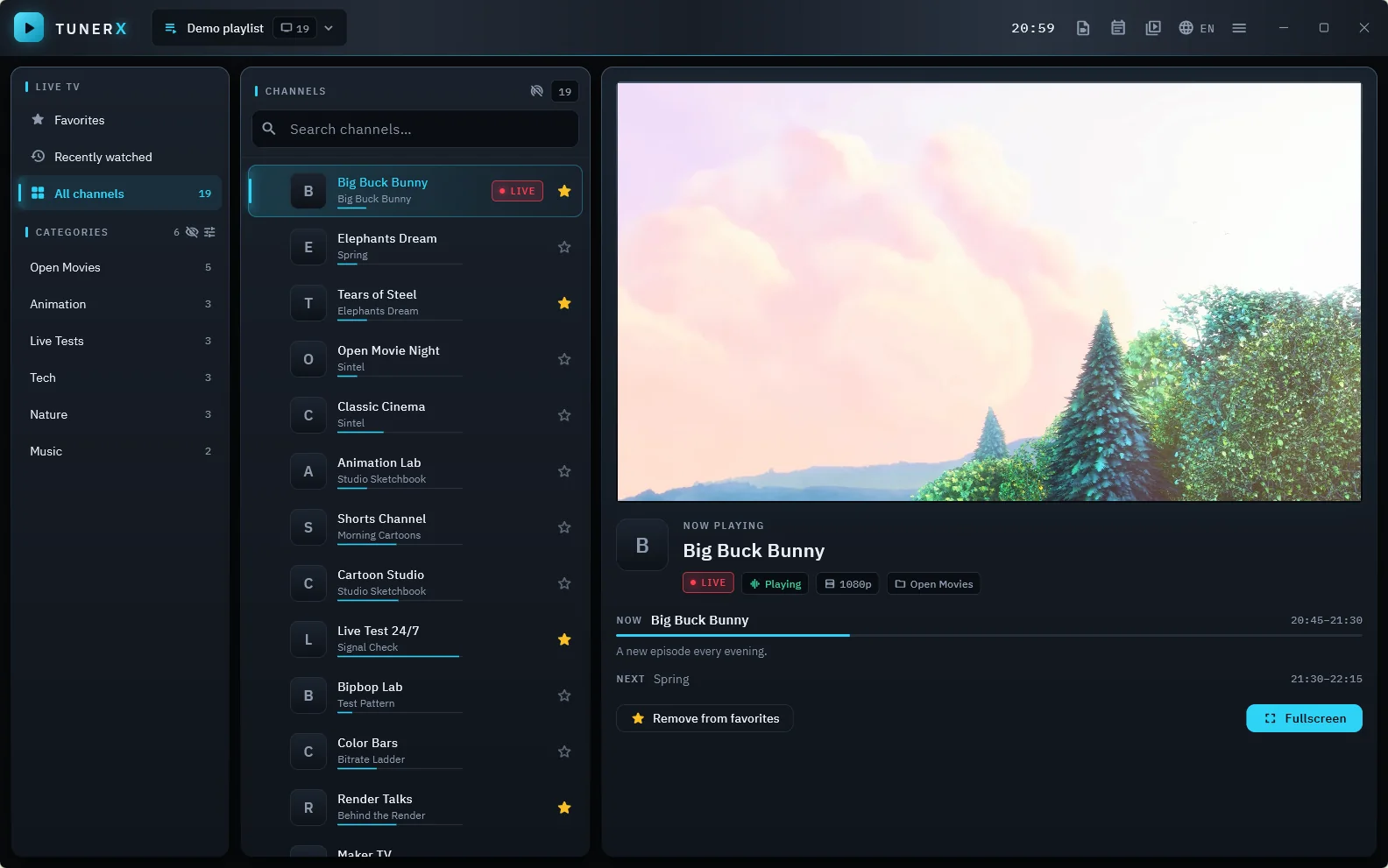
Built around a proven playback engine, with an interface designed for large lists and long evenings.
Add M3U and M3U8 playlists by link or file, import many at once, and keep them fresh with automatic refresh.
Find any channel in lists of tens of thousands as you type. Browse by group or by source.
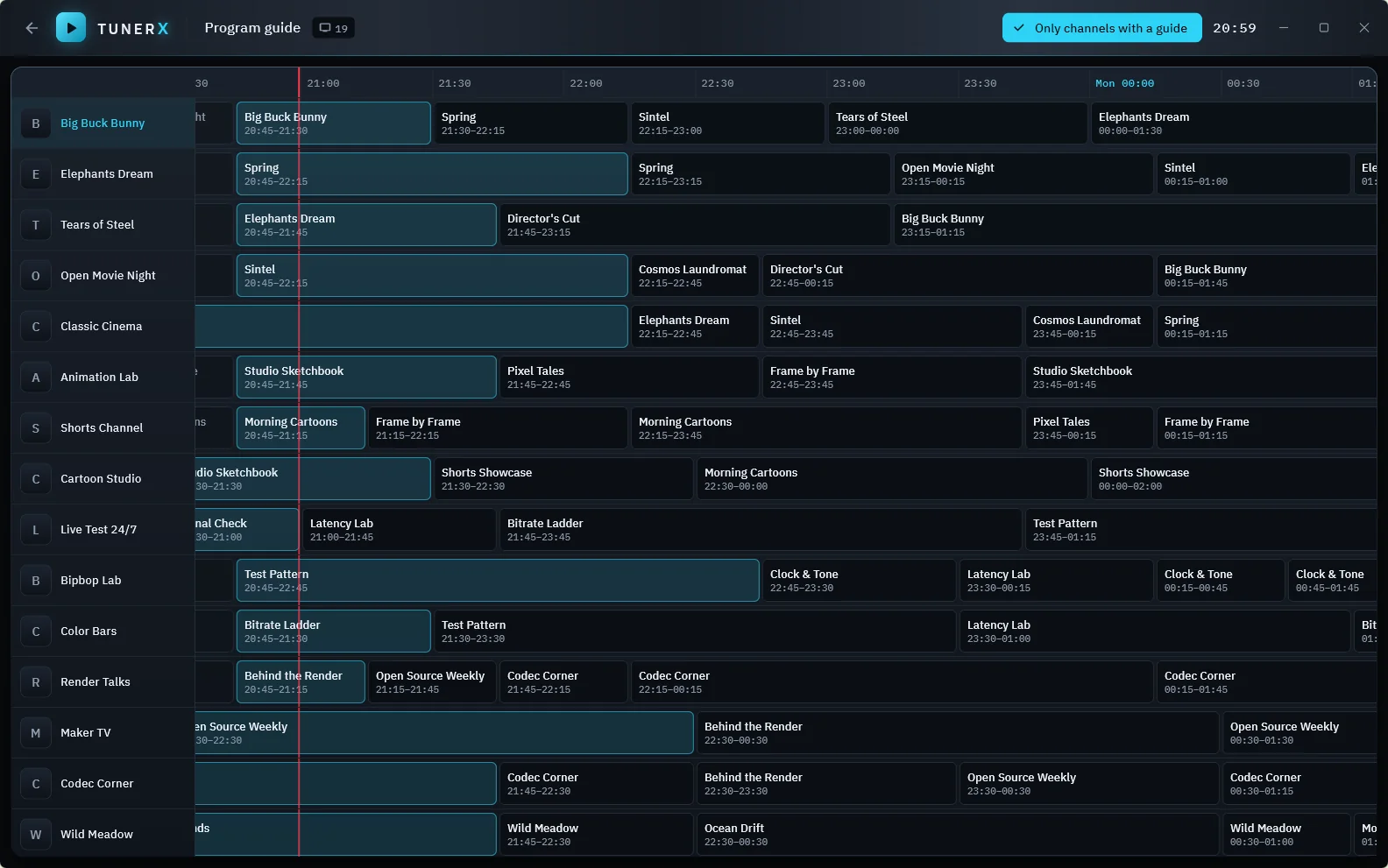
Load XMLTV guides (including .gz). See what's on now and next, and browse the full grid.
The libmpv engine with hardware decoding, adaptive HLS and automatic reconnect when a stream drops.
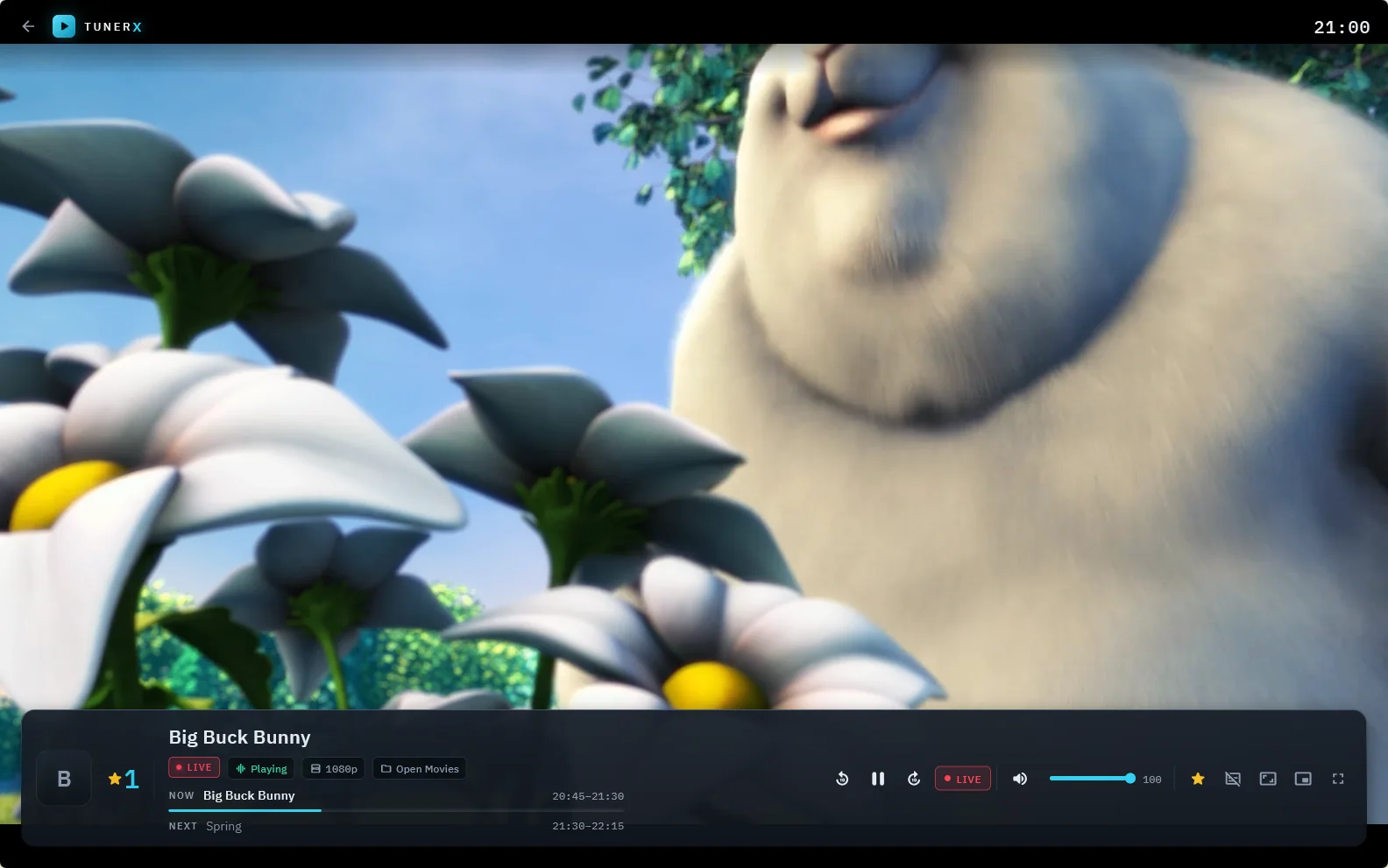
Pause live TV and pick up where you stopped, or jump back a few seconds. Return to live with one key.
Embedded tracks or your own SRT and ASS files. Choose a preferred language, size, position and delay.
Pin favorites, drag them into your order and switch by number, like a real remote.
Keep watching in a small always-on-top window while you work.
Open video files and whole folders. TunerX remembers where you stopped.
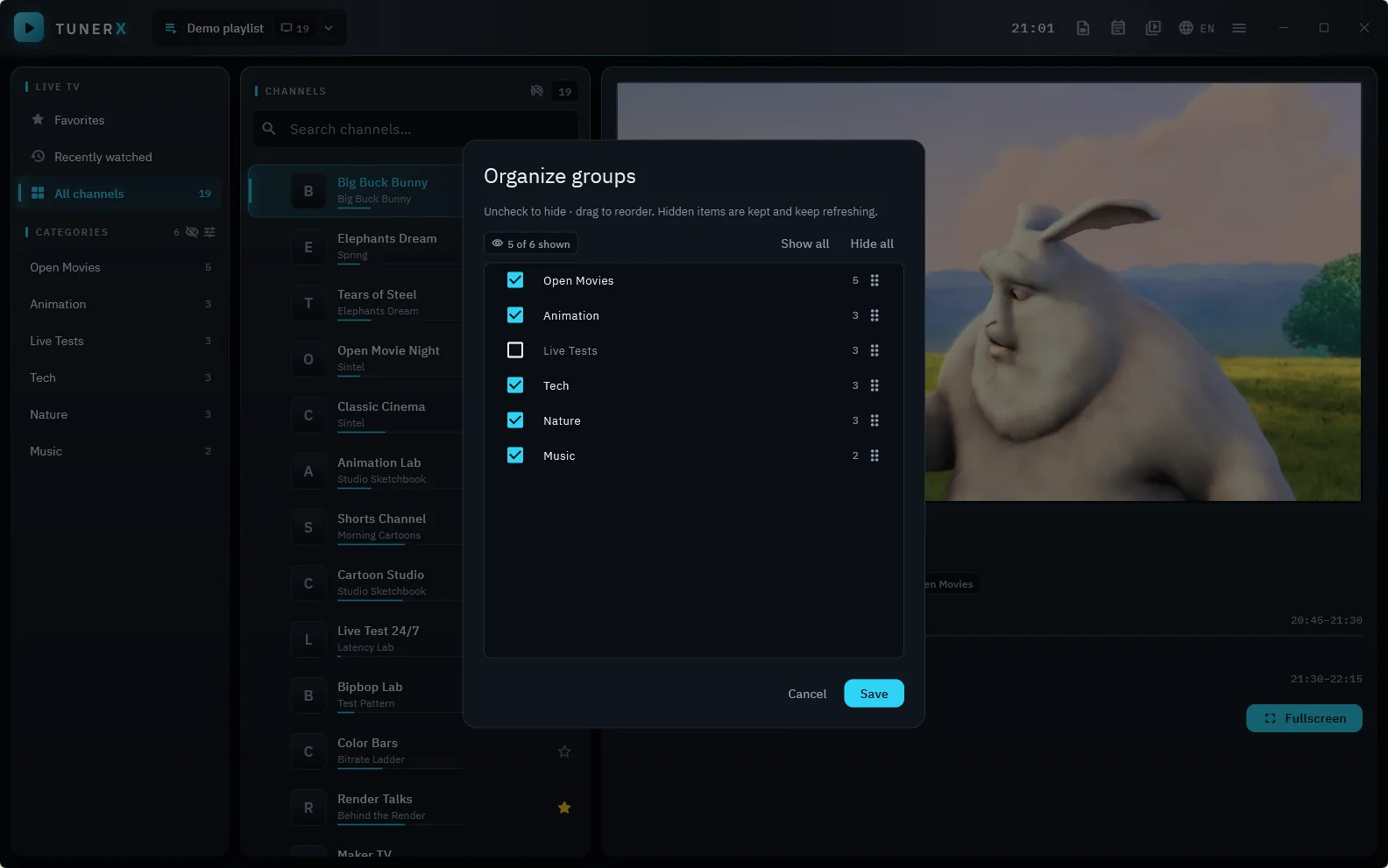
Hide, sort and rename sources, groups and channels. Channels that stopped working can hide themselves.
Your lists and history stay on your computer. No sign-up, no ads, no telemetry.
Every action has a shortcut — built from day one for remote controls on TV.
The program guide matches your channels automatically and lets you fix the rest by hand. Now and next appear right in the channel list.
Fullscreen with a clean on-screen display, quick zapping between channels, and a disk-backed buffer for time-shift.
Combine all your sources in one view, hide what you never watch and put the rest in your order.
Screenshots use open demo content (Blender Foundation films, CC BY) and a made-up guide.
Download the installer and run it. No administrator rights needed.
Paste the M3U link from your provider, or open a file. Add a guide link if you have one.
Pick a channel. Use the arrow keys to zap, F for fullscreen, and P for the mini player.
TunerX contains no channels, playlists or subscriptions, and does not link to or recommend any provider. You add your own sources, and you are responsible for having the right to watch them. Terms of use
No. TunerX is only a player. It has no built-in channels or playlists. You add sources you already have, such as a playlist from a service you subscribe to, or streams that broadcasters publish themselves.
Yes. TunerX is free while it is in beta.
M3U and M3U8 playlists; HLS, MPEG-TS and direct HTTP streams; and almost any video file. Playback is powered by libmpv and FFmpeg.
The installer is not yet digitally signed, so Microsoft SmartScreen does not recognise it. Click "More info" and then "Run anyway". You can also compare the file's SHA-256 checksum with the one on the download page. A signed installer is on the way.
No. The app has no account and no telemetry. Your playlists, favorites and history are stored only on your computer. See the privacy policy for details.
Not yet. M3U playlists work today. Xtream support is planned.
It is in development. The interface is already built for remote-control navigation.
Use "Installed apps" in Windows Settings. The uninstaller asks whether to keep your lists and settings.